

Cinematic Color Grading Made Easy
EnduraGrade is a professional DaVinci Resolve PowerGrade bundle designed to make cinematic color grading as easy as one click.
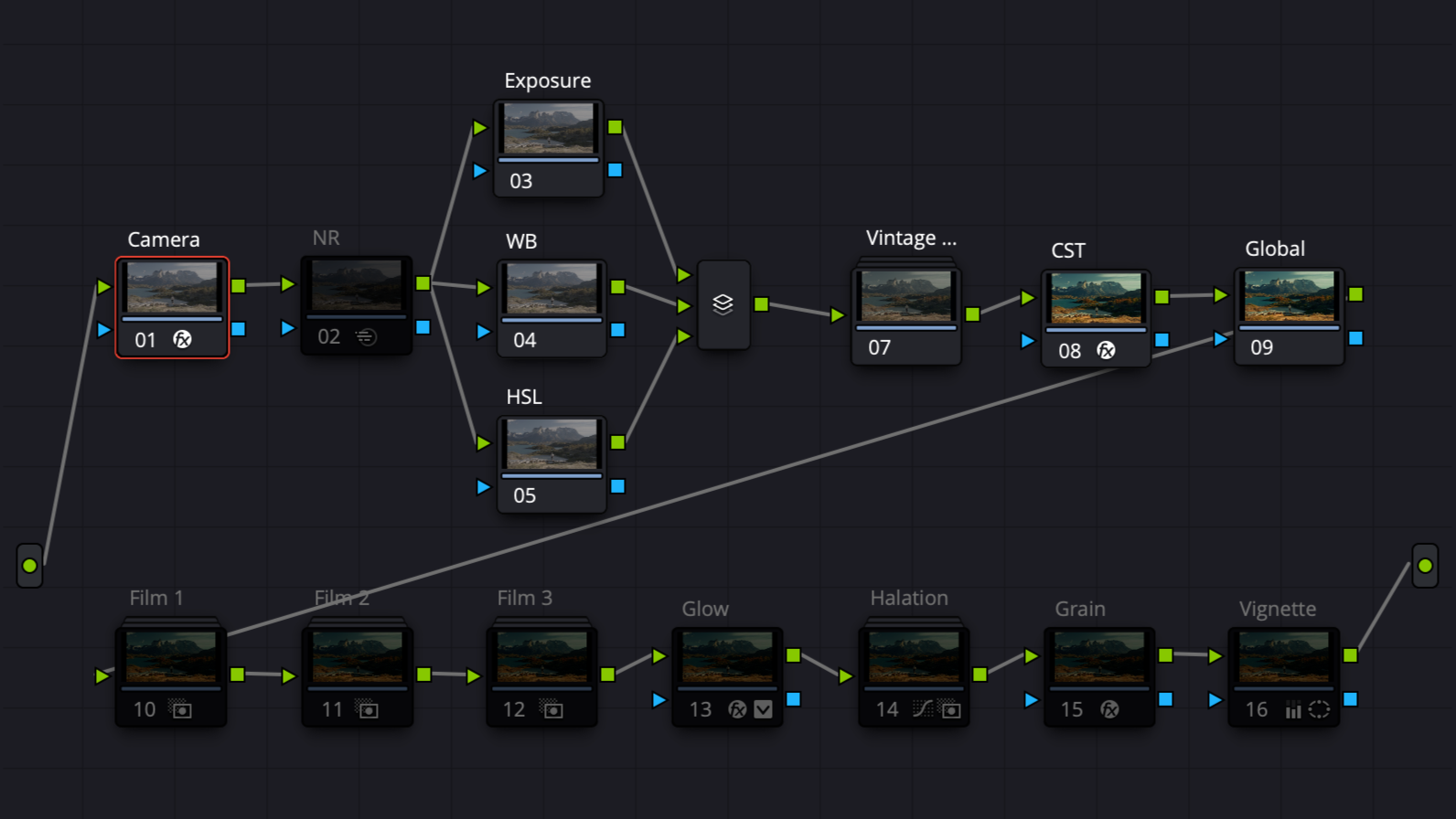
With 12 carefully crafted foundational looks (plus a bonus look), an intuitive node structure, and a built-in Film Toolkit, EnduraGrade provides a consistent, film-inspired starting point - delivering bold yet timeless tones, rich contrast, and the flexibility to refine the image when the story calls for it.
Built on a professional Scene-Referred Workflow using DaVinci Wide Gamut (DWG), EnduraGrade treats your footage like digital film negative. It transforms your camera's specific data into a massive, unified color space, thus making EnduraGrade work across all camera systems.
EnduraGrade is both beginner-friendly, and applicable to professional colorist workflows.
What’s Included:
12 Foundational Looks + 1 Bonus Look
Pre-configured PowerGrades for Sony, Canon, DJI, Fujifilm, Nikon, Arri, BlackMagic, Panasonic, Apple Log, and Rec709
Built-In Film Toolkit with 3 Film prints + Grain, Glow, Halation, and Vignette
EnduraGrade includes the companion library of EnduraTone LUTs for cross-platform compatibility
Instructional PDF

"Just wanted to send a huge thank you for the PowerGrades! They’re amazing and helped me so much (I’ve never edited log footage before) and the guide was perfect. This was my first time *really* using DaVinci (I’ve played around in it before, but not much), so I was basically starting from zero and it was easy to follow along and figure out what I needed to do. I know I still have a ton to learn, but this was such a good starting point. I seriously can’t say thank you enough."
- Erin D.
What People Are Saying
So many PowerGrade releases and tutorials create confusing, conflicting, and counterproductive habits when learning how to build a solid node structure. Kyle’s EnduraGrade PowerGrade flipped that script for me, offering a clean, thoughtful foundation and workflow that makes grading feel approachable and repeatable.
- Mio M.
"EnduraGrade is the Davinci Powergrade I've been searching for. The looks are beautiful, with a clean node structure and instructions that break down each step. My color grading just got leveled up. So much value in this pack."
- Wil C.
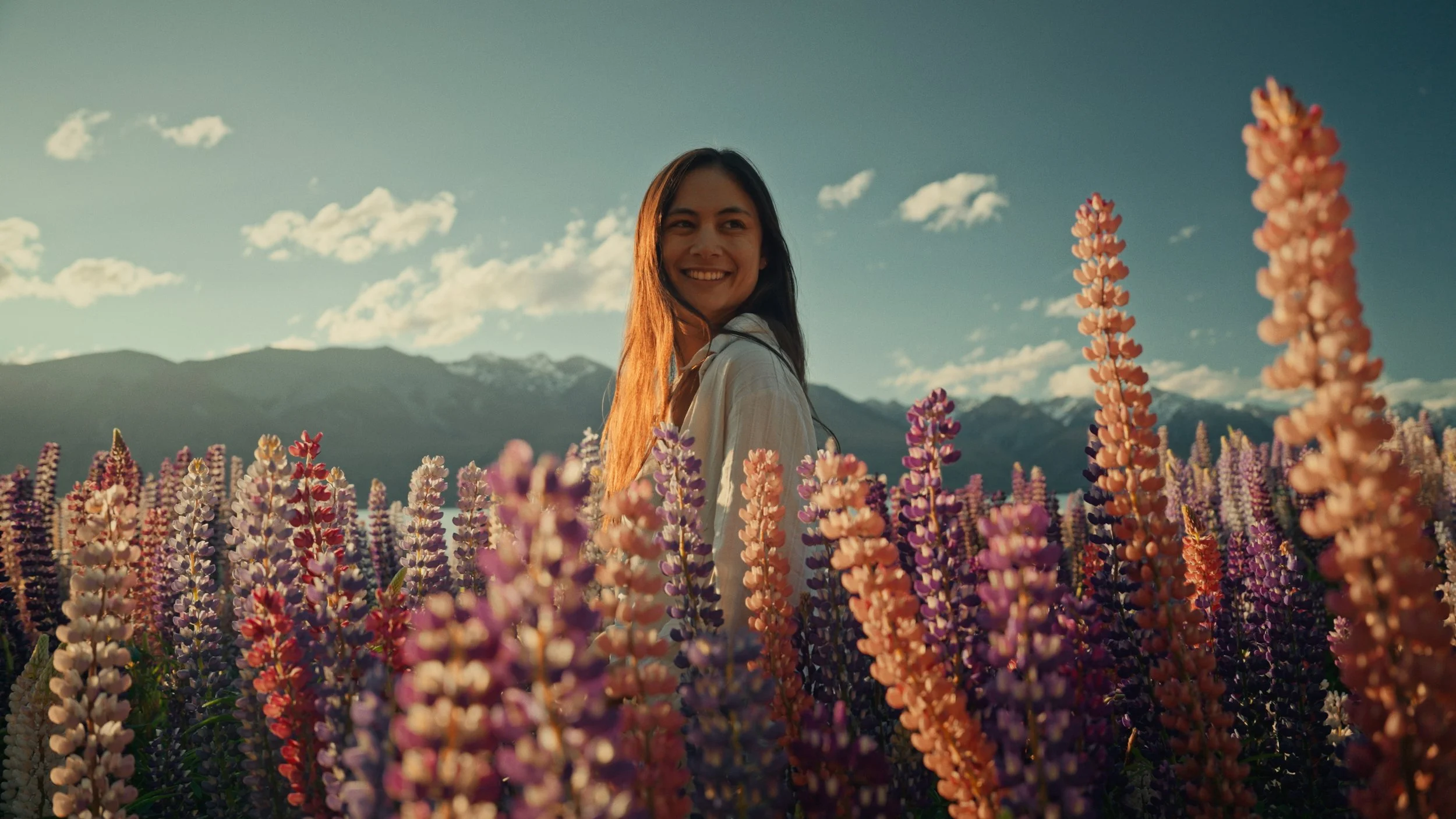
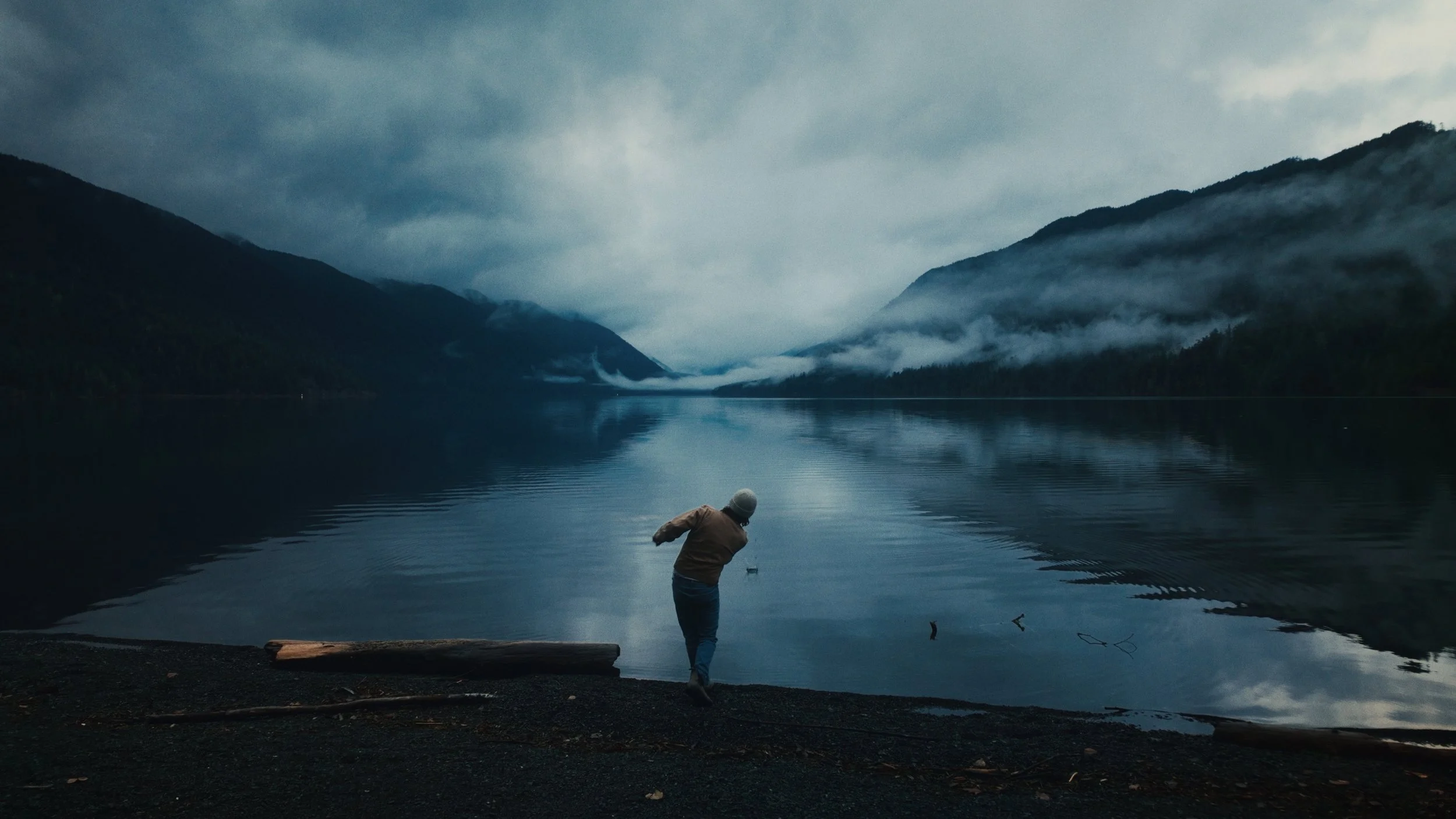
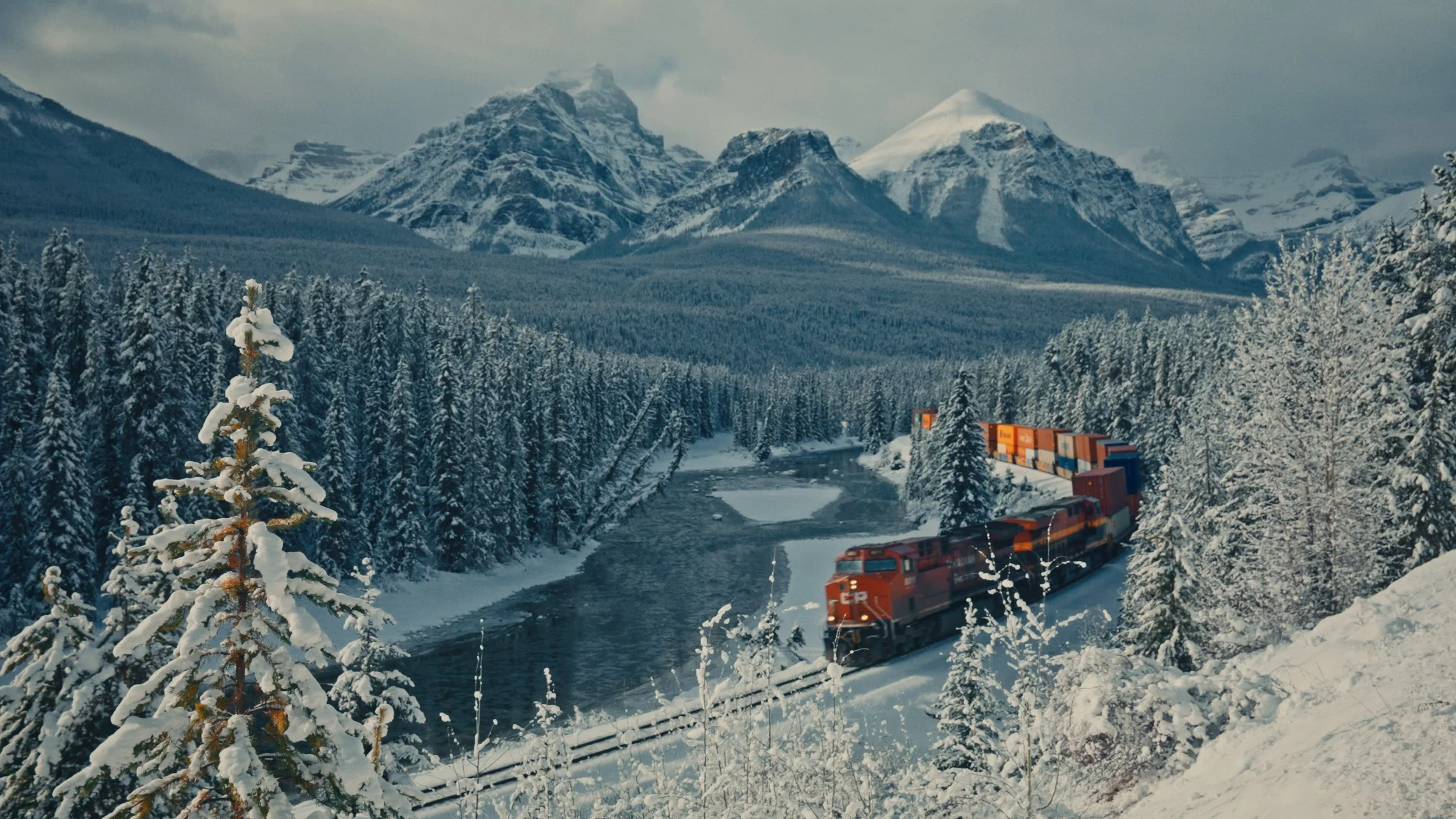
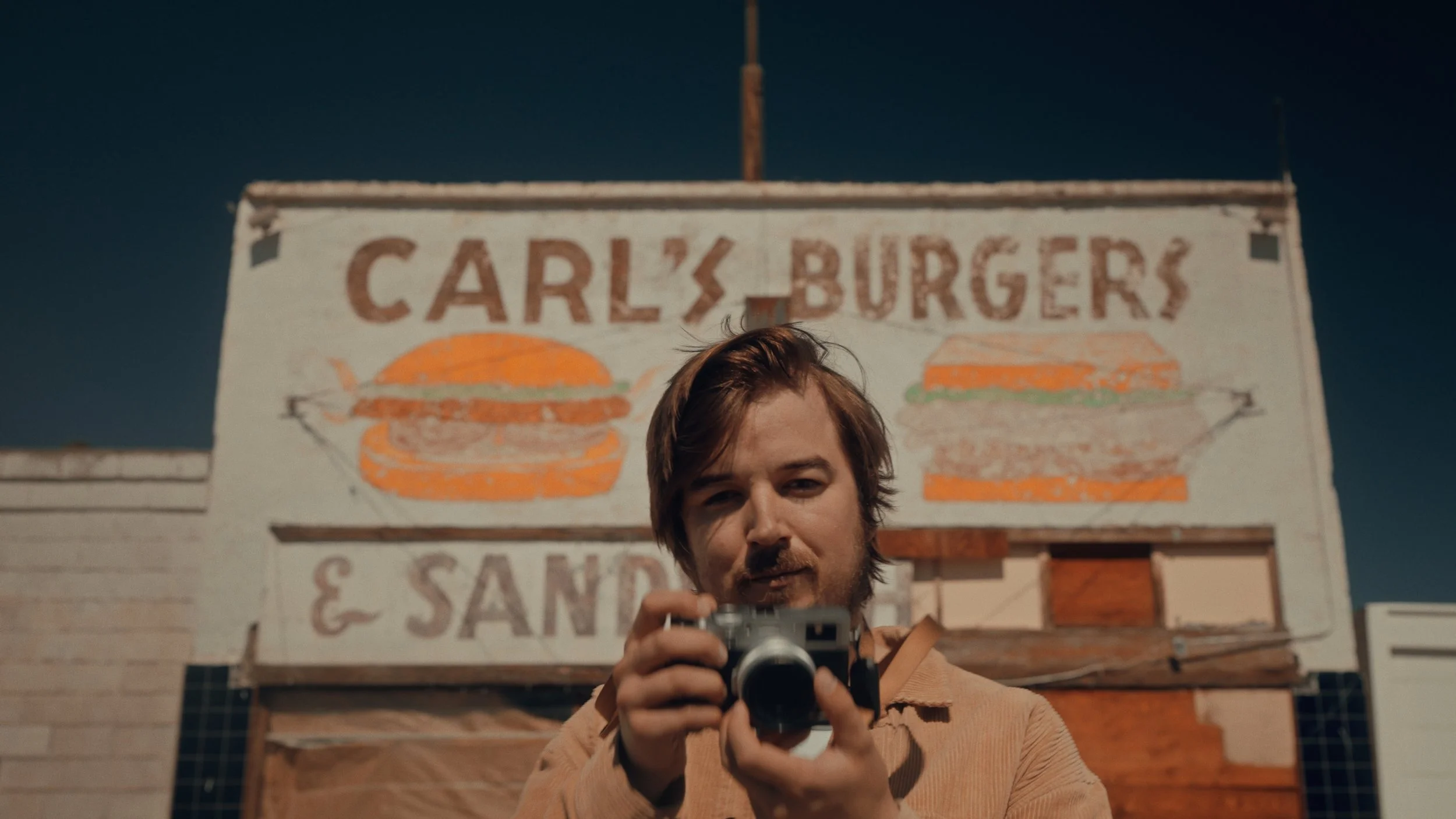
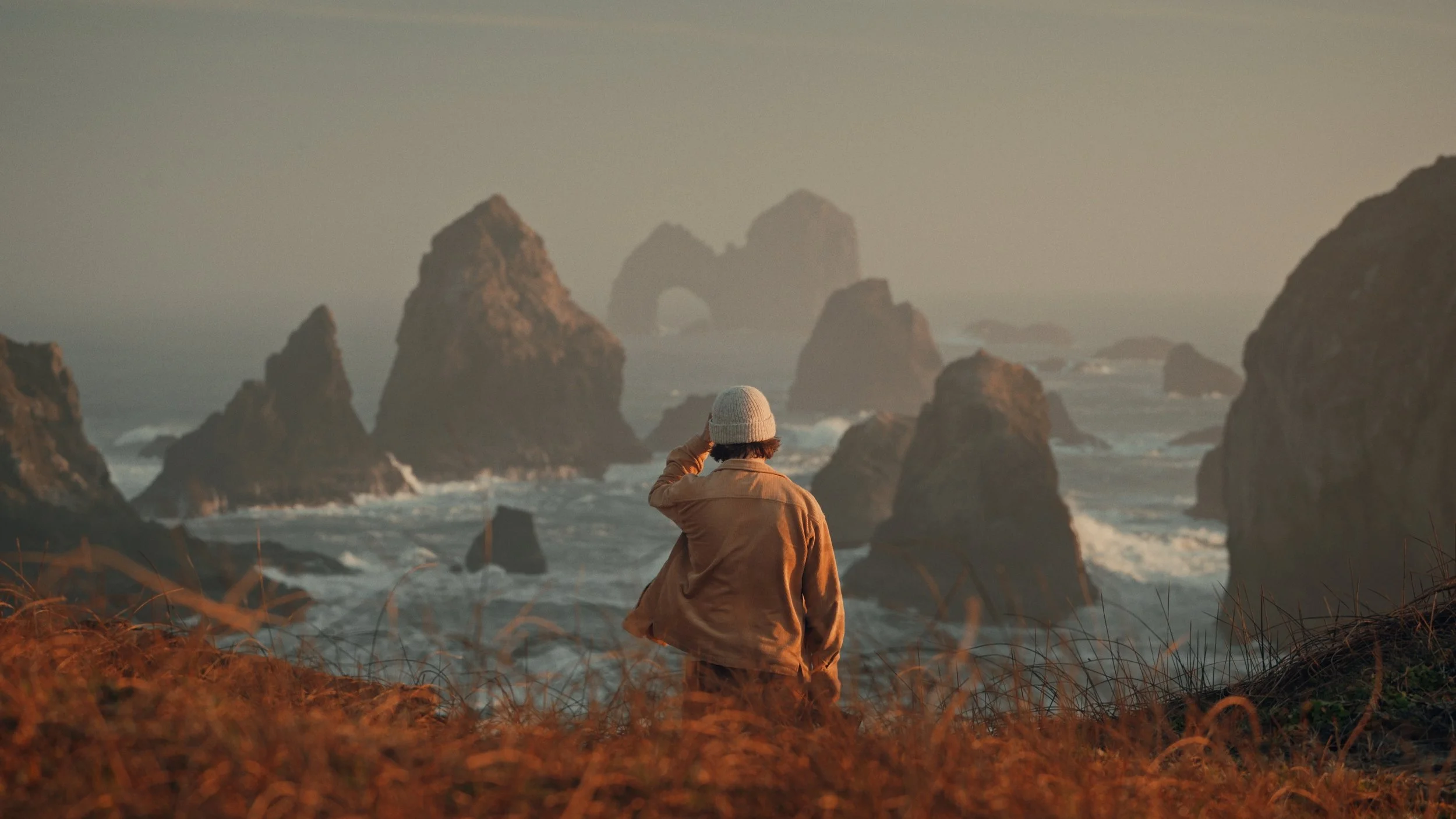
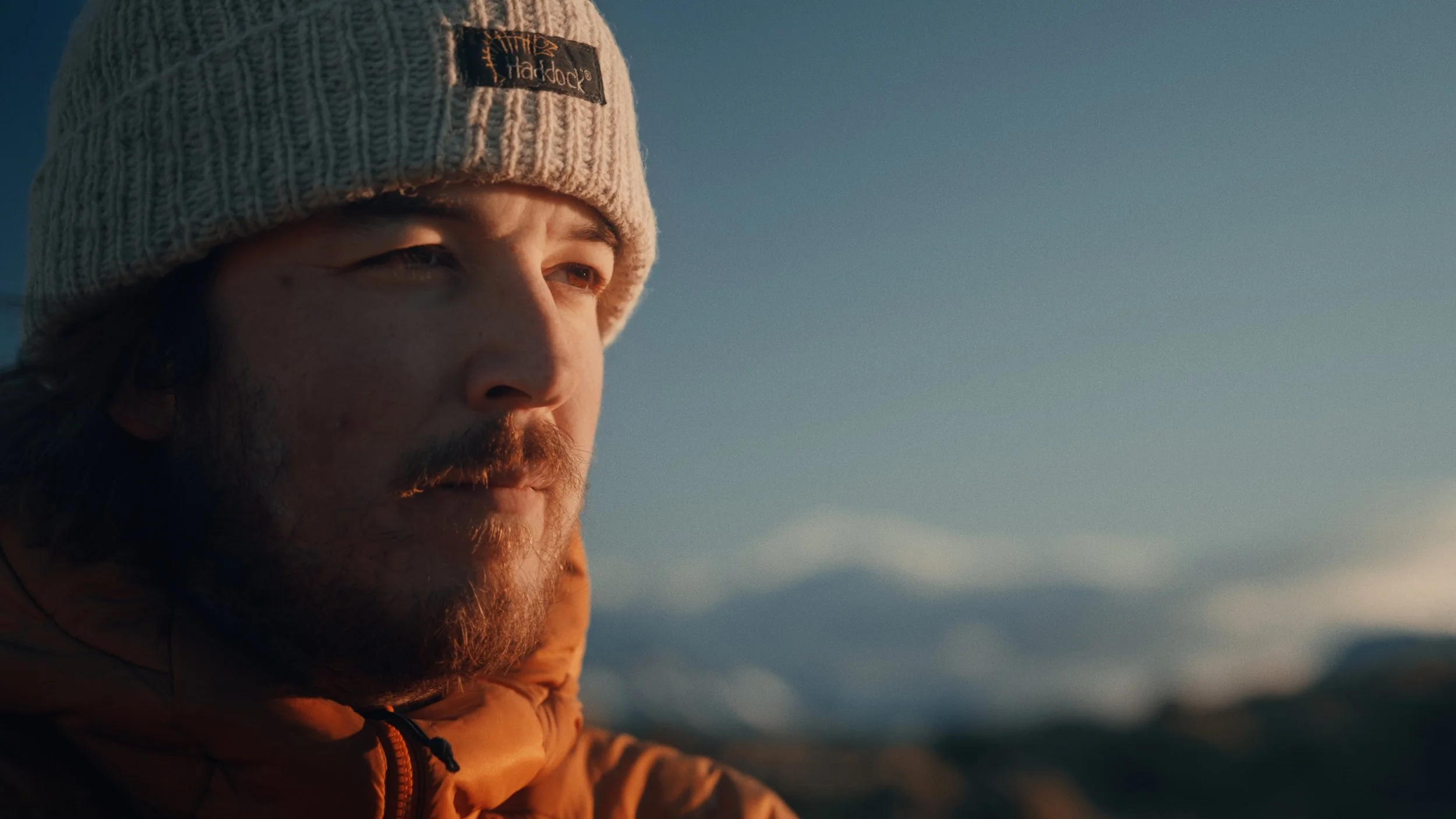

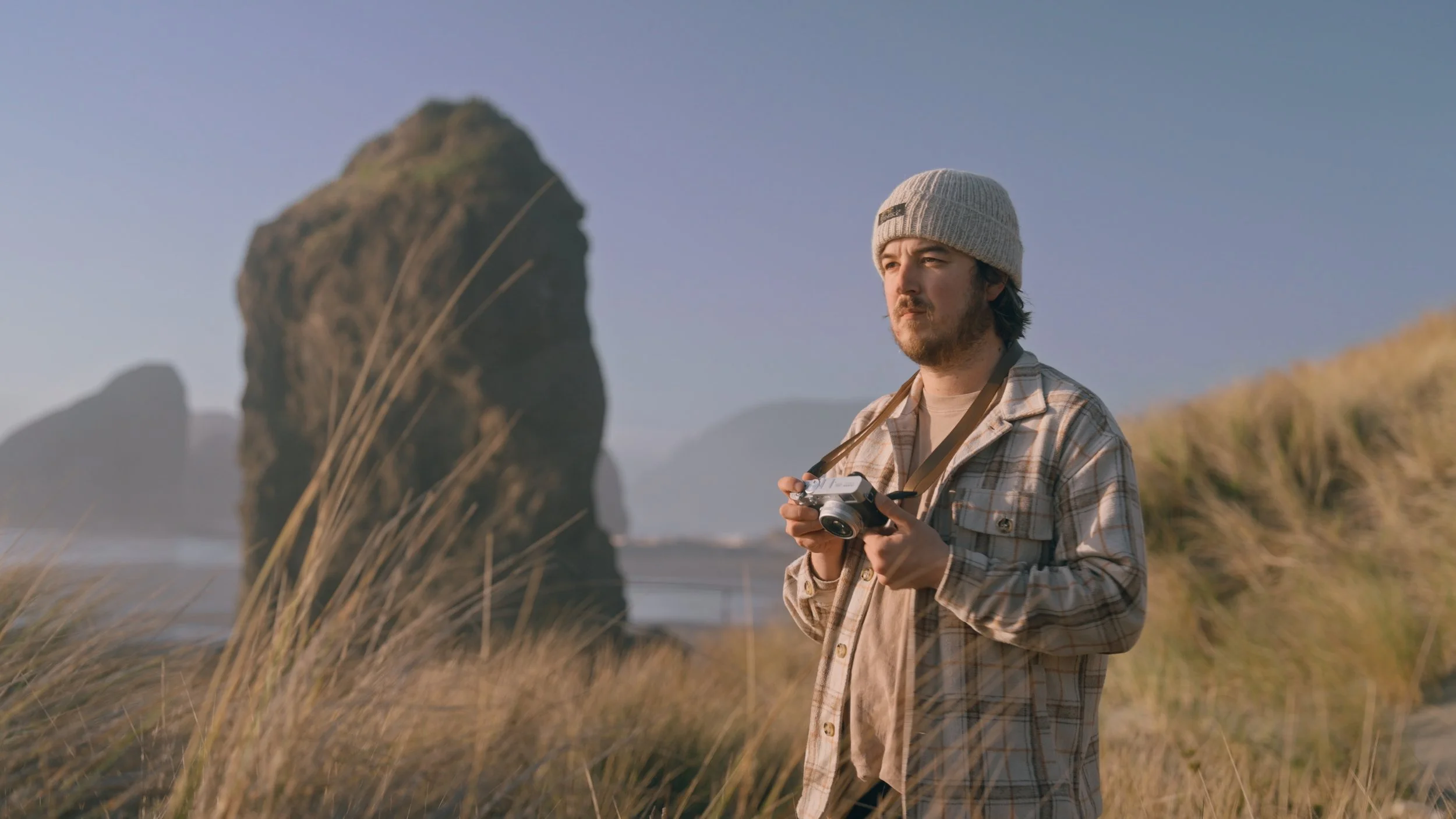
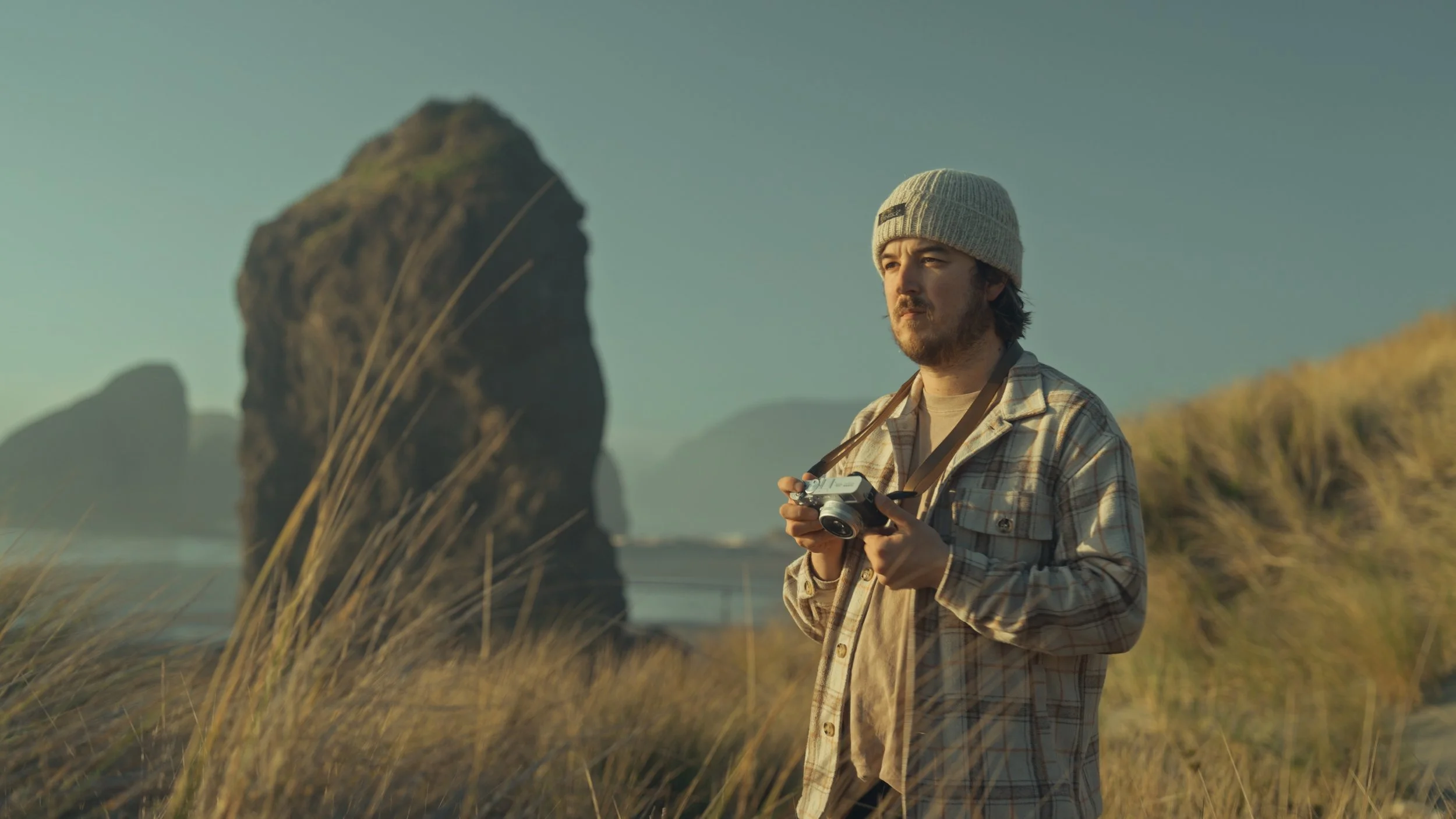
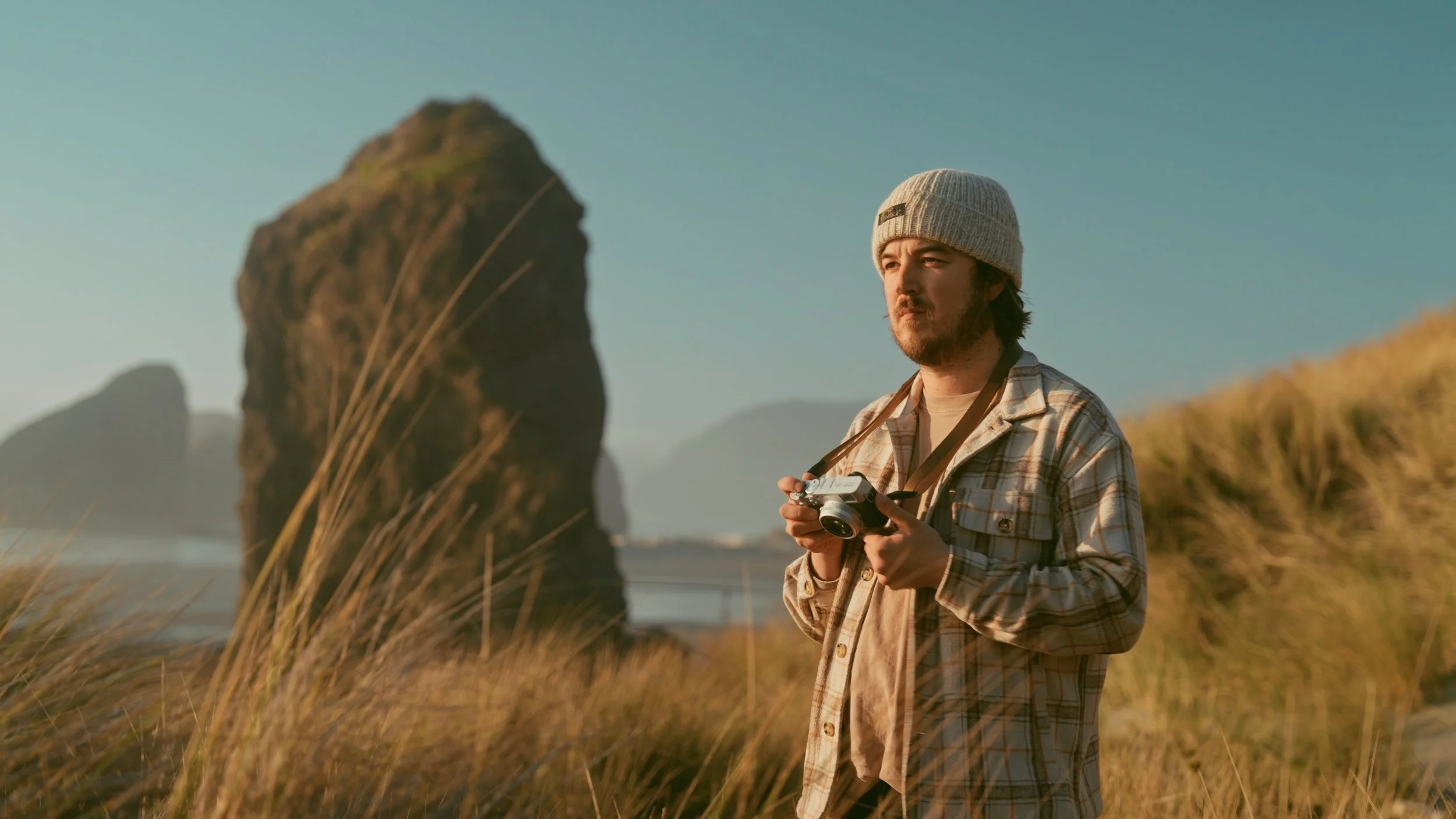
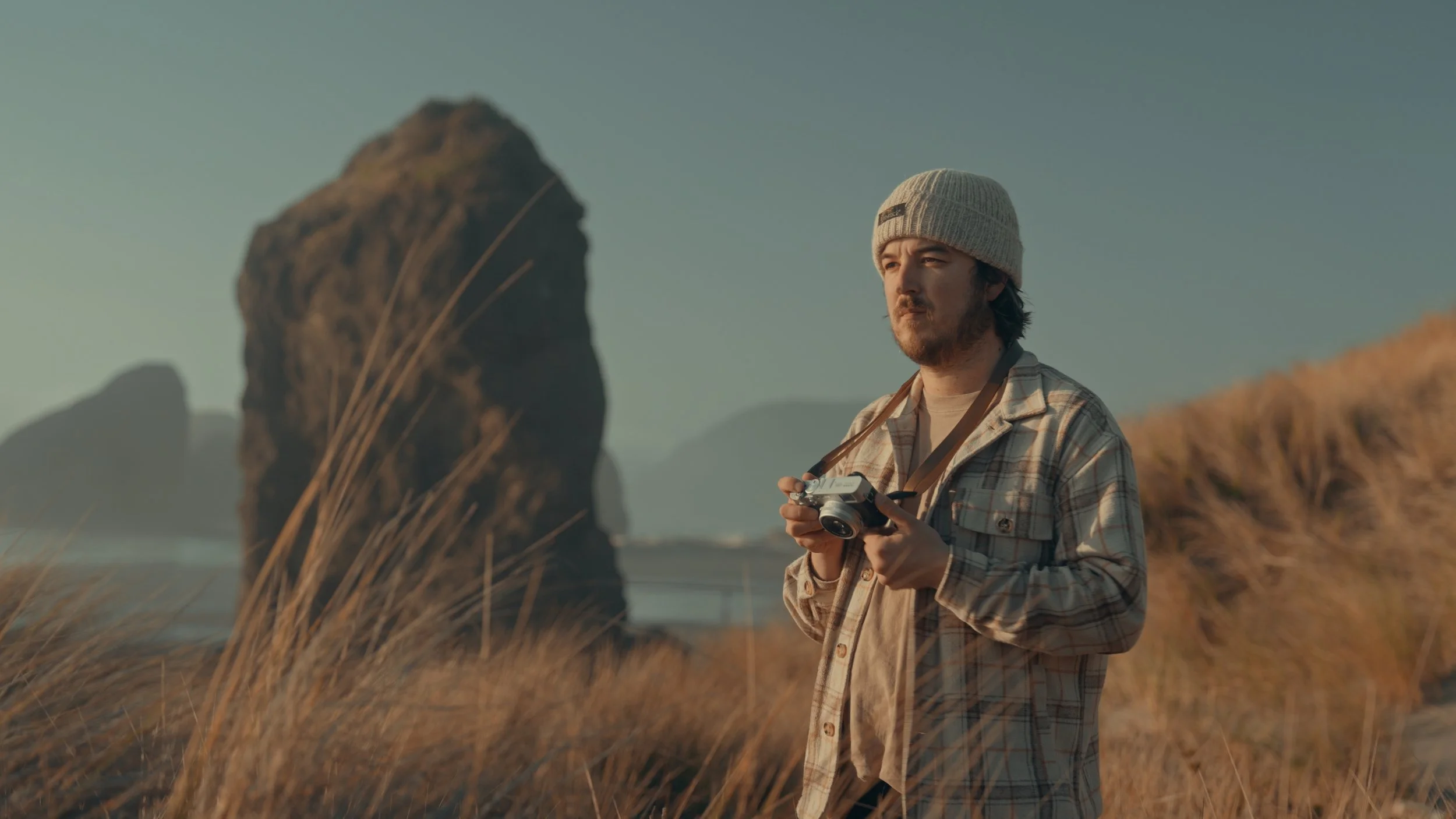
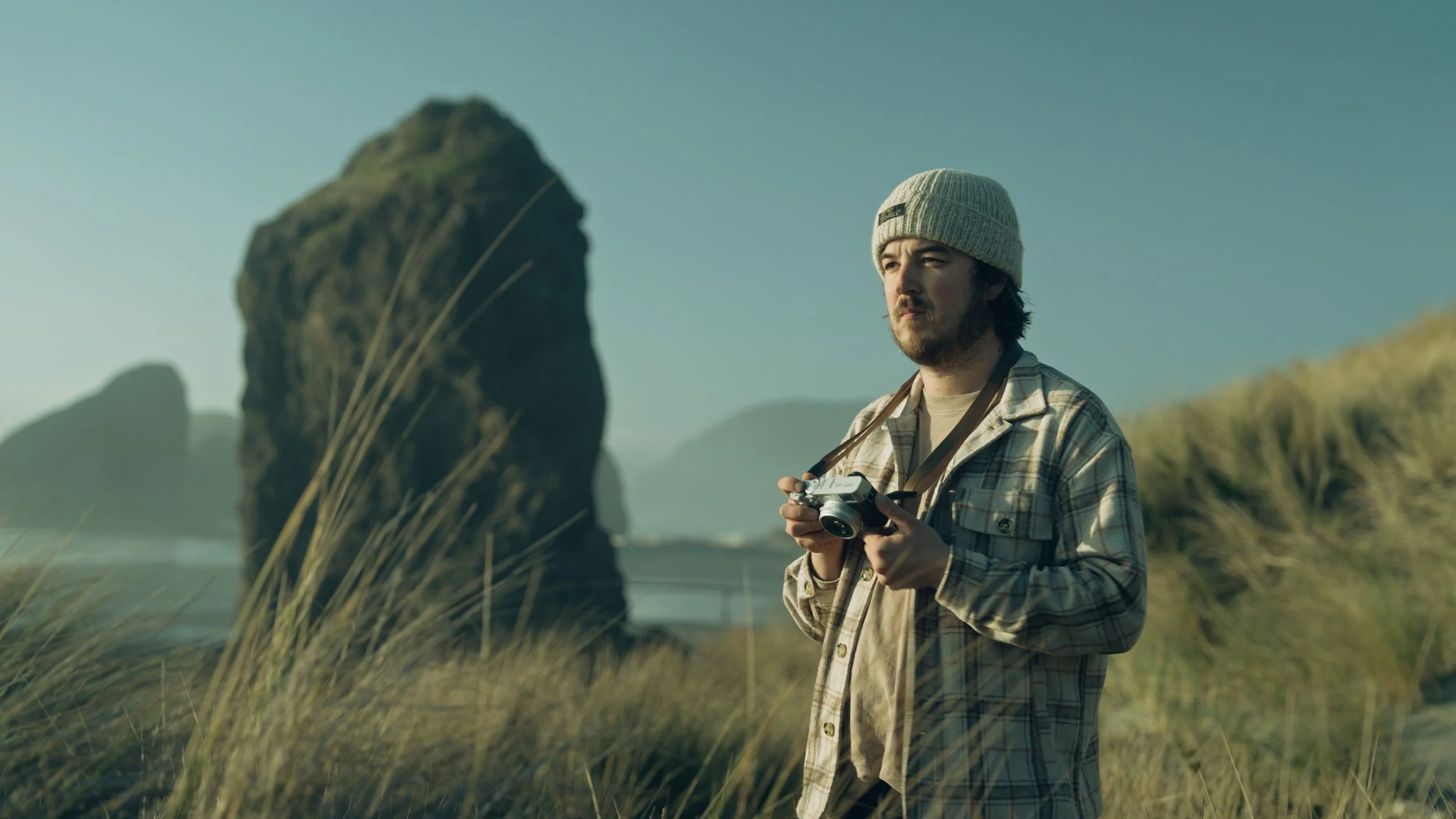
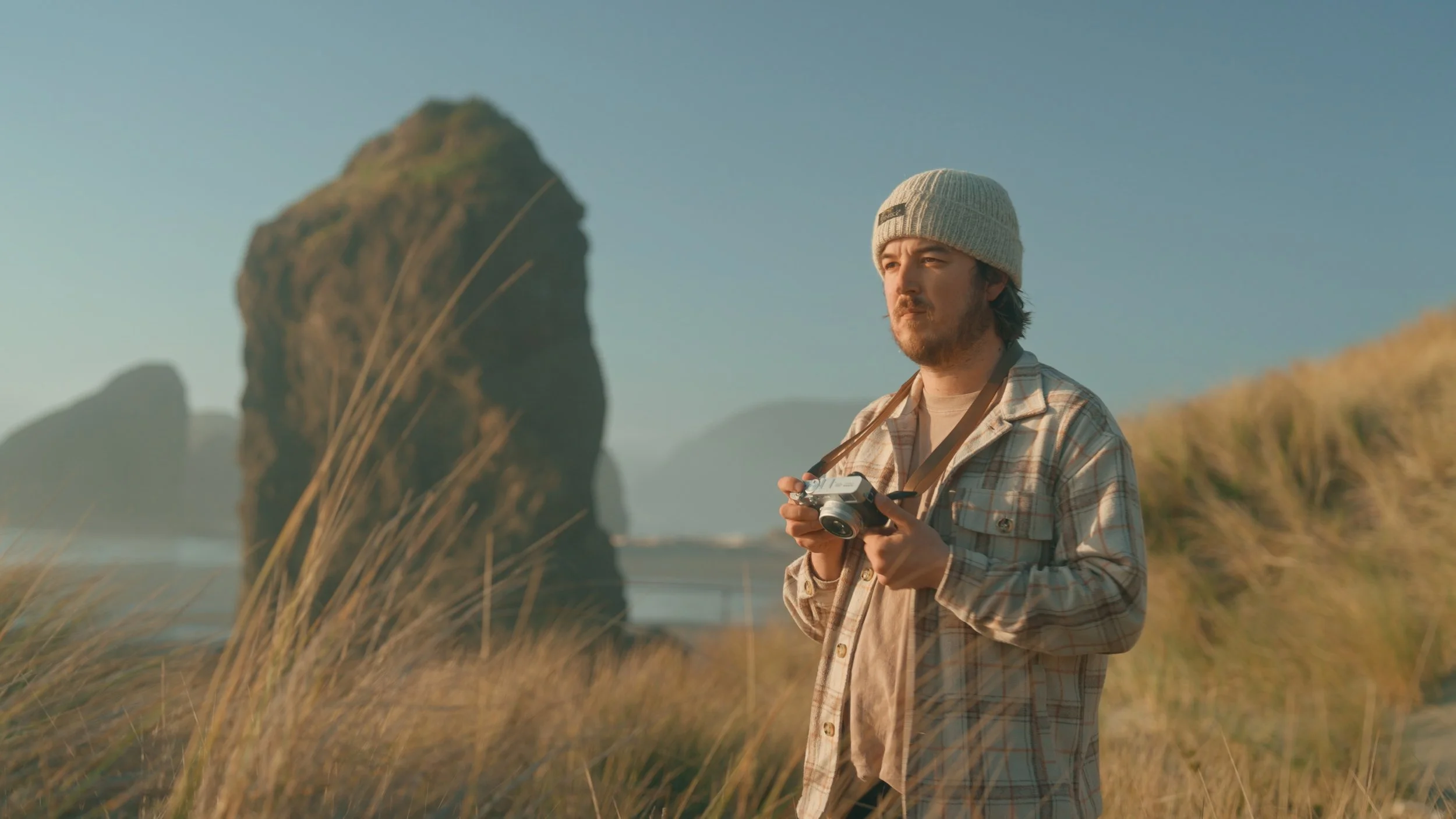
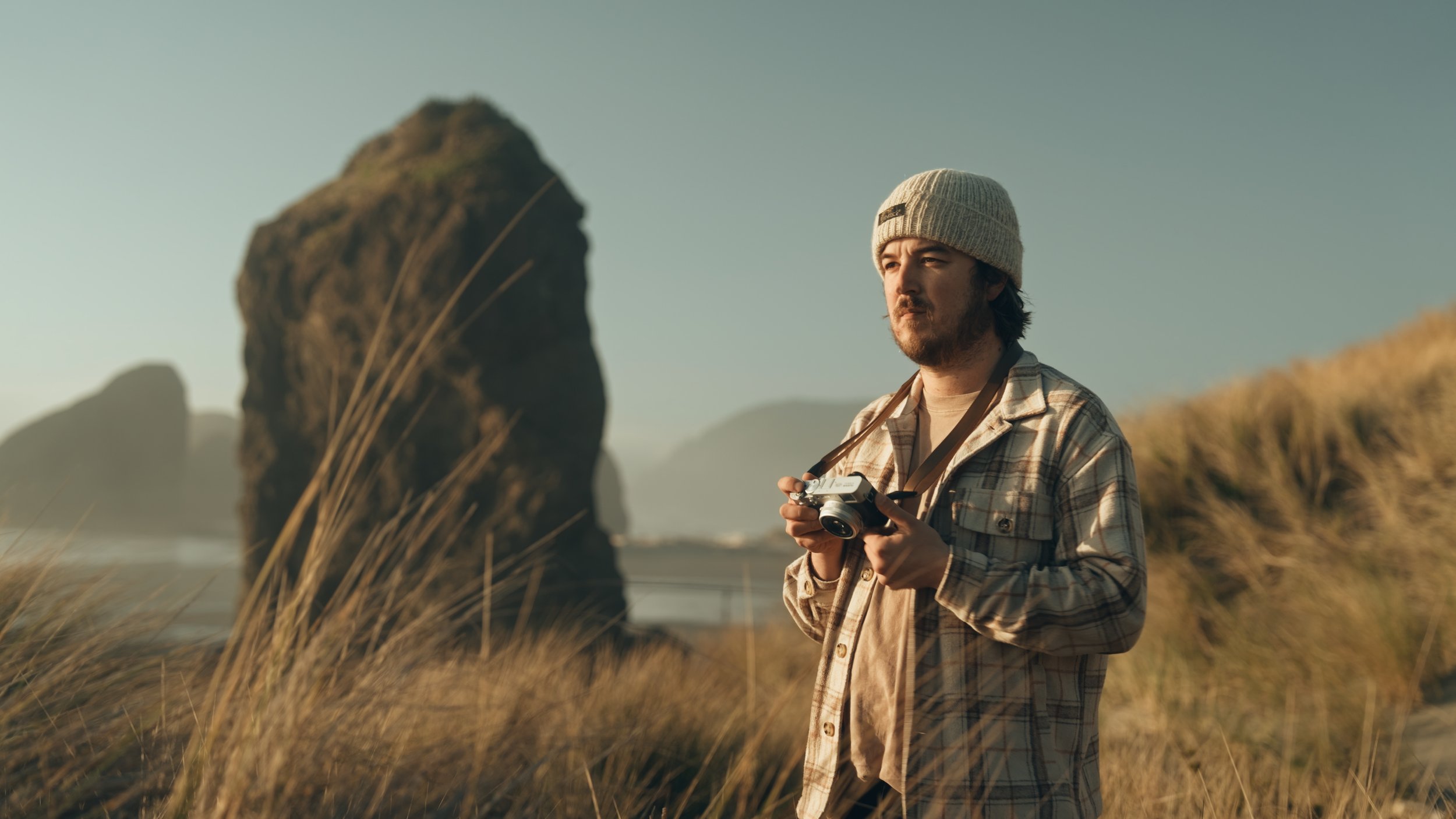
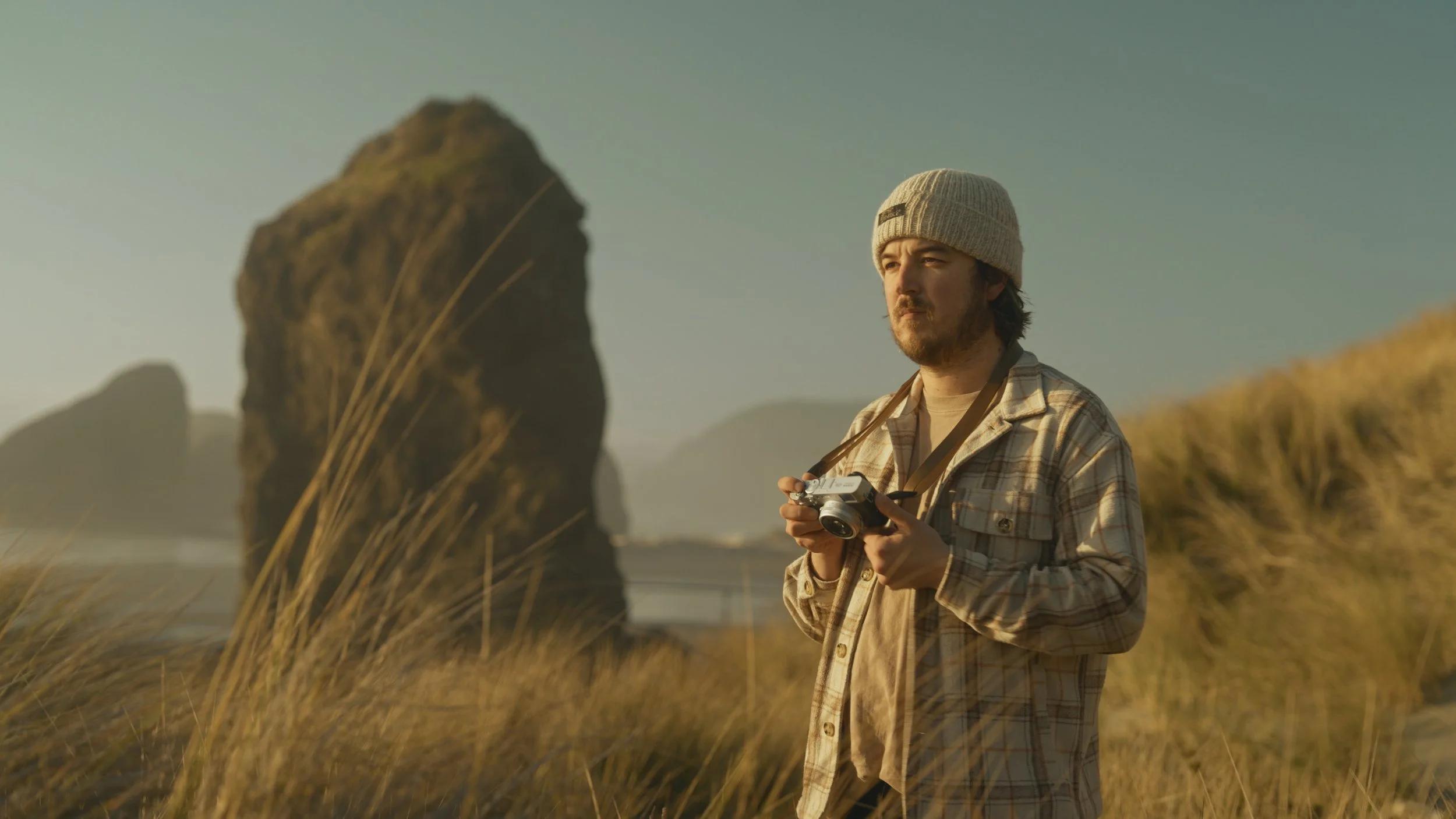
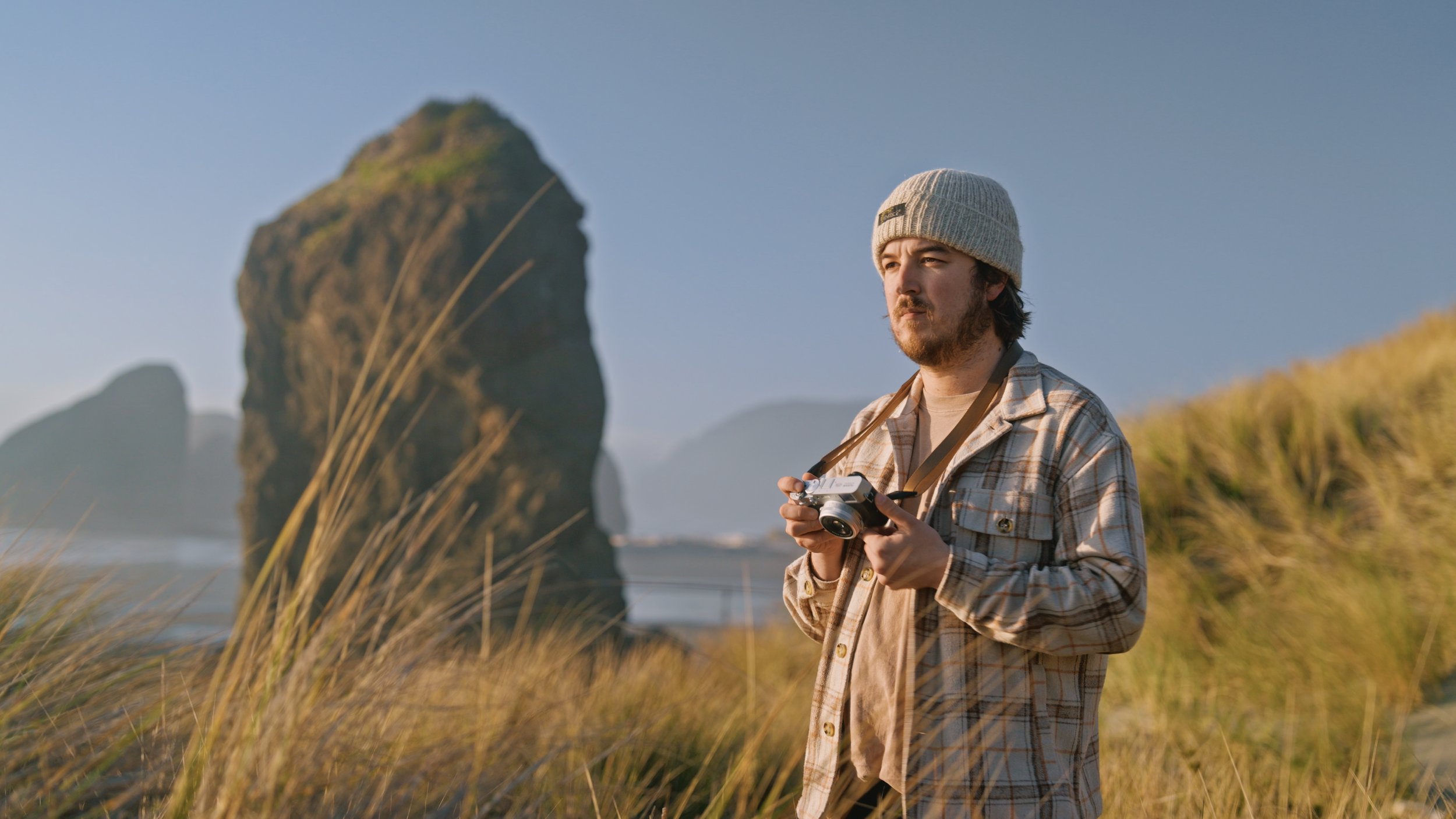

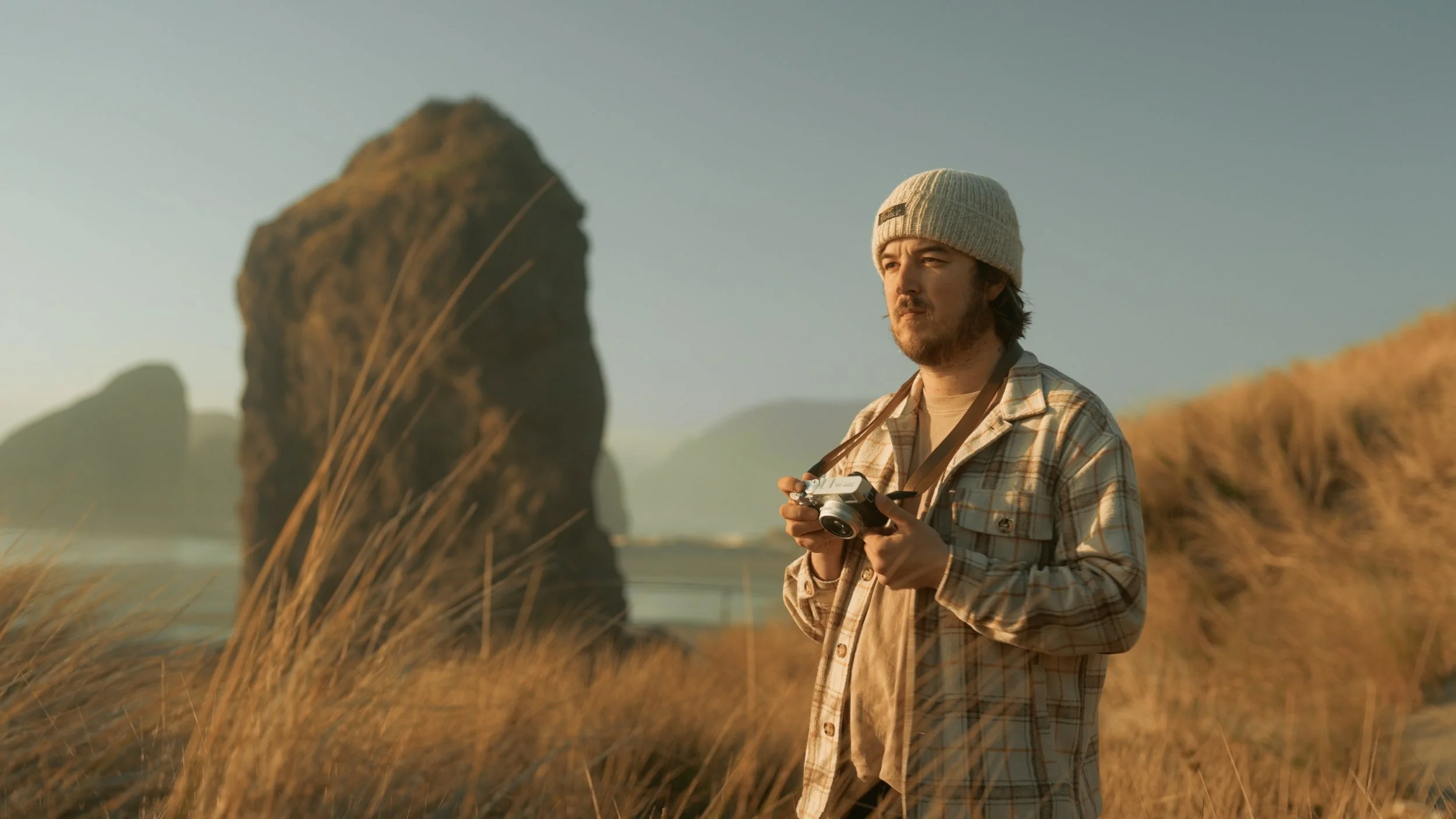

EnduraGrade Includes 12 Foundational Looks:
Cascadia -
Inspired by the forests of the Pacific Northwest. Faded shadows meets true-to-life, yet vibrant greens..
Cooper -
Designed to emulate the timeless aesthetic of modern sci-fi, blending cinematic shadows with a nostalgic color palette.
Ember -
Warm, earth-tones melt together in this cinematic look.
Endura Vision-
My take on a modern Kodak 2383 film emulation. Beautiful as-is, but easily workable.
Fiordland -
Inspired by a rainy day in Milford Sound, New Zealand. A moody look that works wonders with muted scenes.
Foundation -
A more commercialized look with muted contrast and film-like tones.
Highlands -
Inspired by the highlands of Iceland. Highly malleable, especially when given a bump of saturation.
Longline -
The classic "teal and orange" look, but stripping away the digital harshness for a modern, high-fashion finish.
St. Moritz -
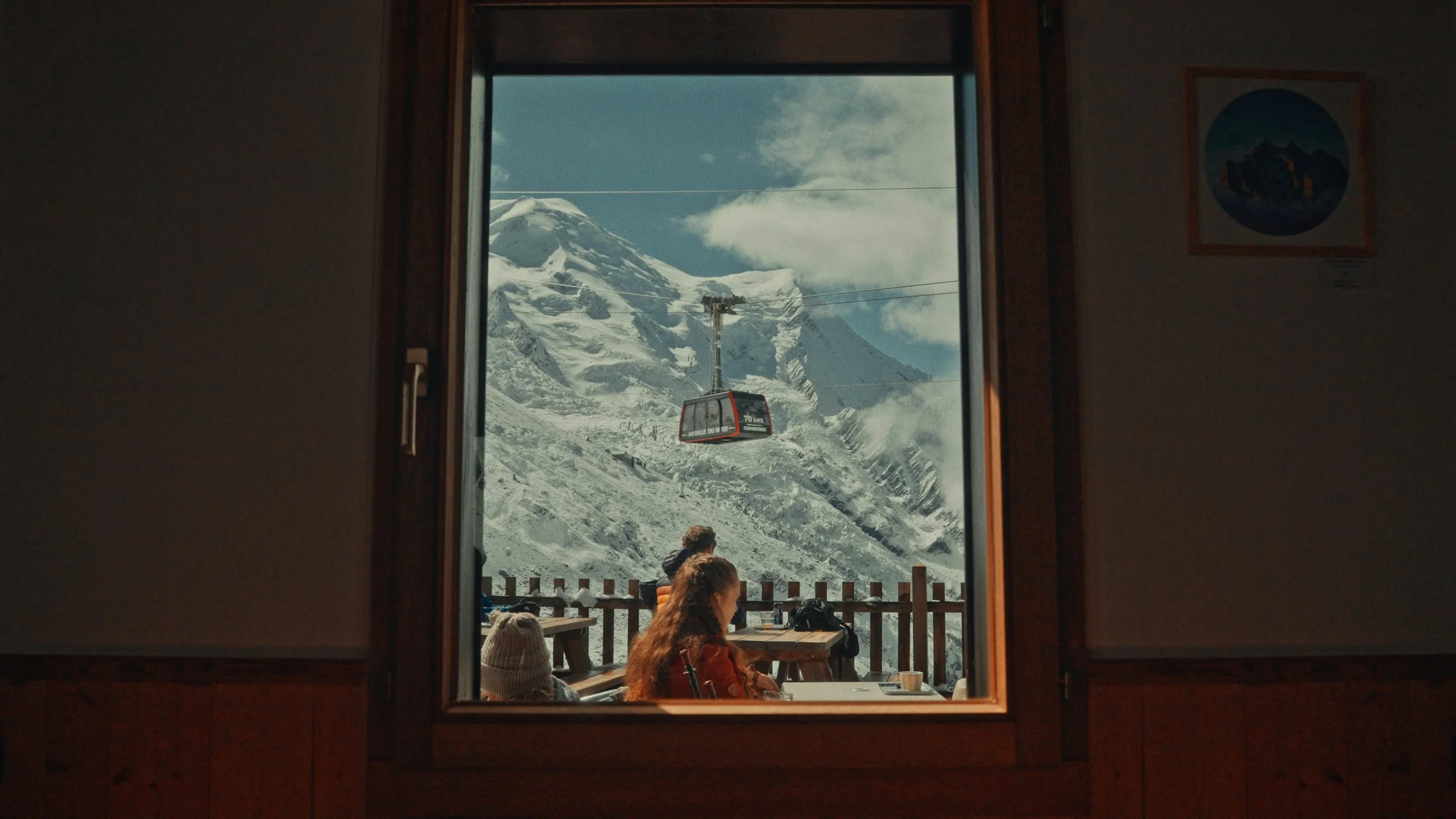
One of my favorite looks in this pack. Cool highlights, warm shadows, punchy colors. Inspired by the Alps.
Stone -
Characterized by a muted, earthy palette + a distinct organic texture. Prioritizes desaturated greens and shifted blues.
Tesseract -
Sophisticated "hybrid" aesthetic that pairs creamy, filmic highlights with a bold, expansive color contrast.
Vintage Vision -
By far my most used look this year. Vintage-inspired tones that make everything feel like a movie.
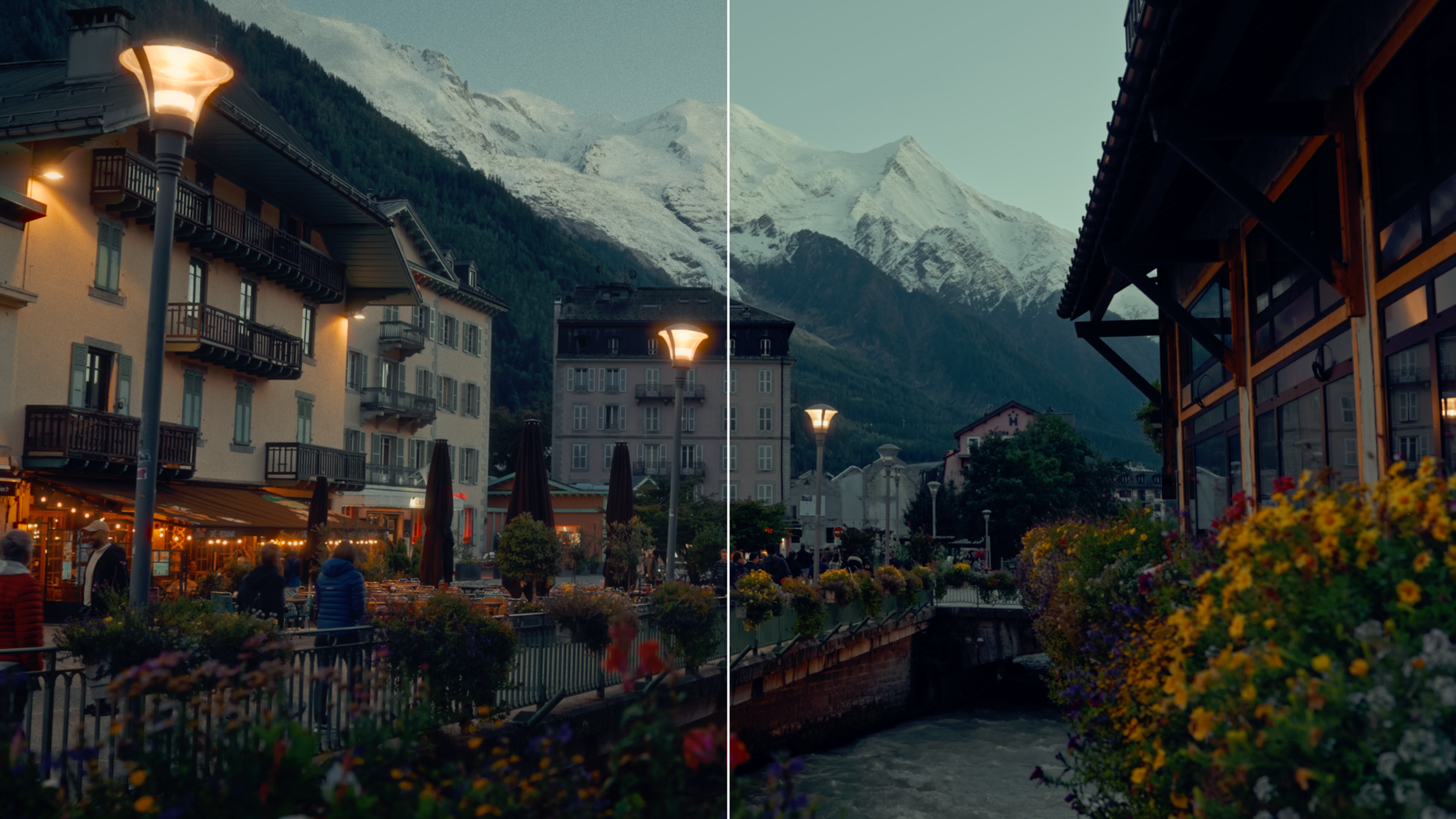
The Film Toolkit
Built into EnduraGrade, the Film Toolkit lets you push your grade beyond the base look when the story calls for it. It includes three film print options inspired by classic cinema, designed to add depth, contrast, and a subtle filmic response without overpowering the image. Tools like cinematic glow, halation, organic film grain, and a refined vignette help shape highlights, add texture, and bring a timeless, film-inspired finish to your footage.
All tools live inside EnduraGrade’s intuitive node structure, making it easy to dial in effects with precision while keeping your workflow fast inside DaVinci Resolve.

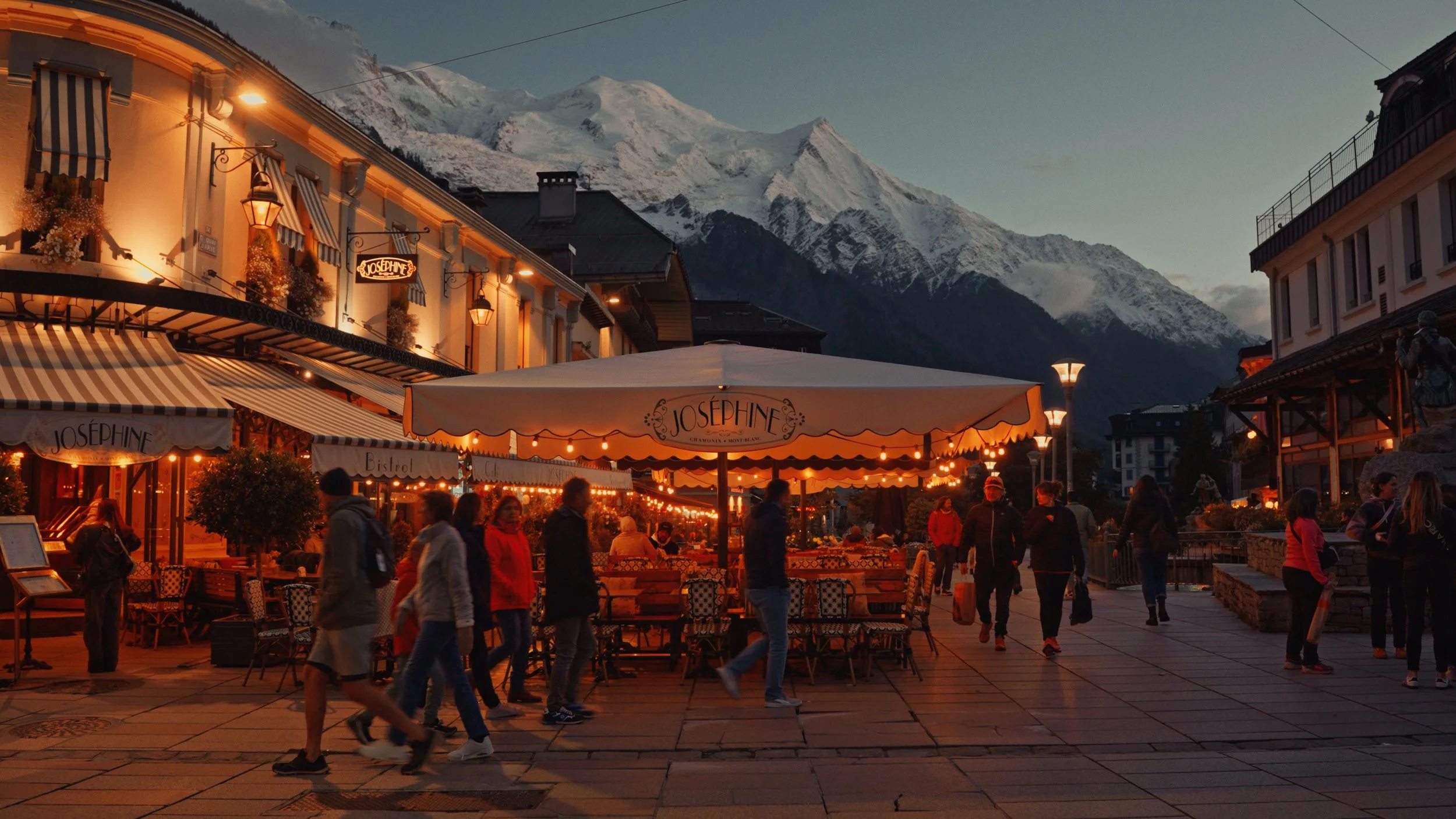
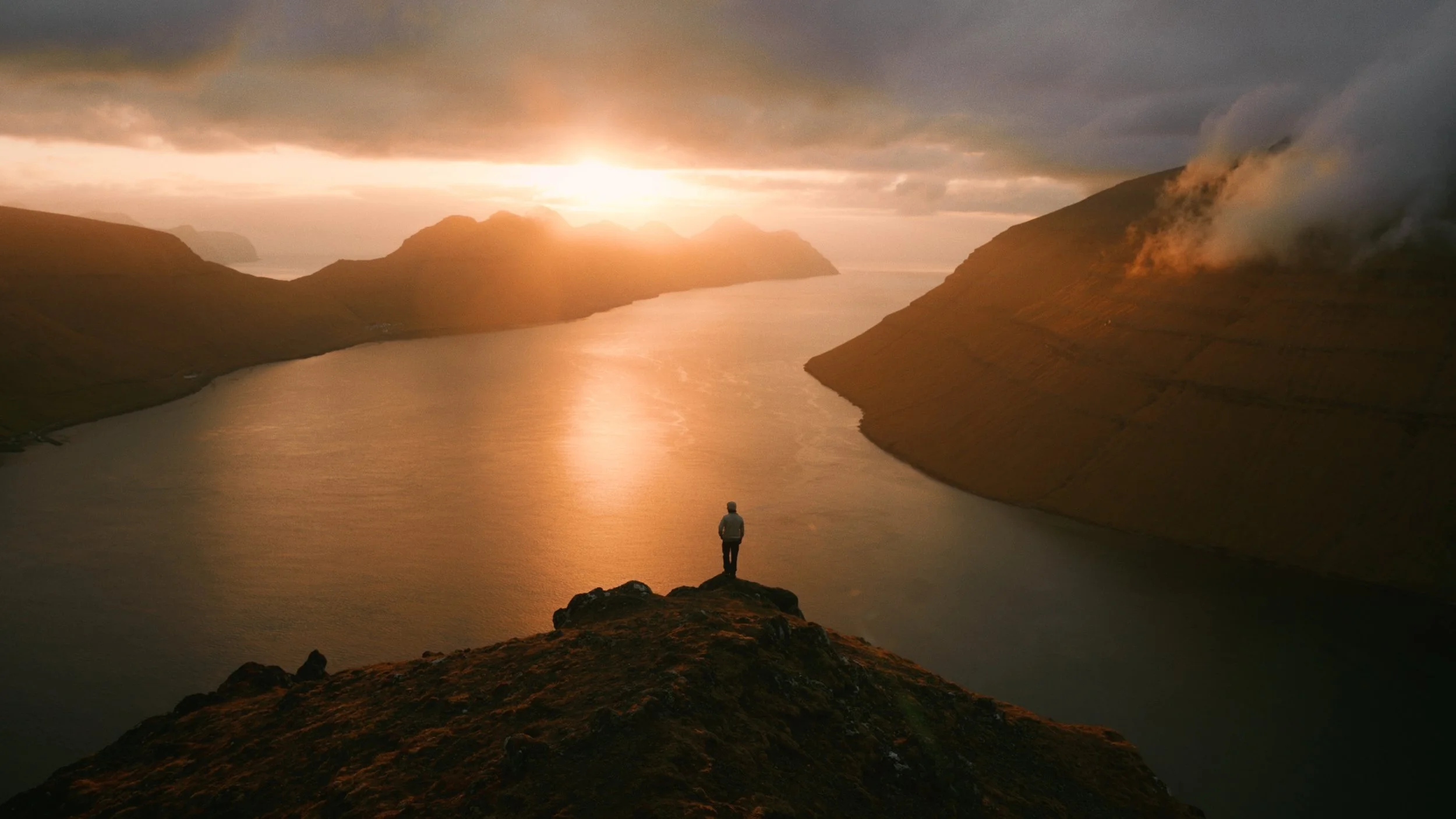
An adventure in the Alps featuring
Vintage Vision
Captured on the Sony FX3 and the DJI Air 3S
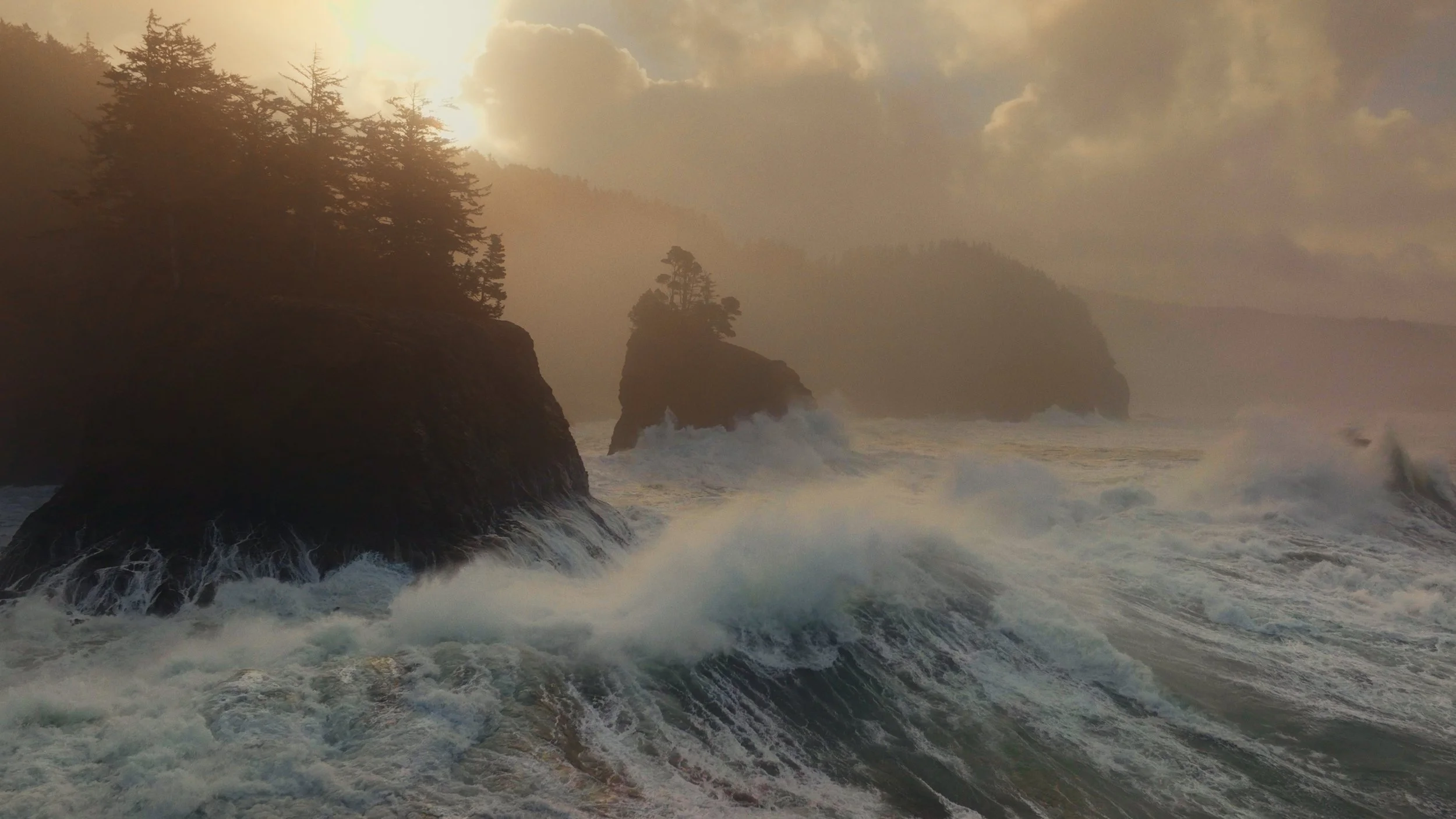
An adventure in Oregon featuring
Endura Vision
Captured on the Sony FX3, A7CII, and the DJI Mavic 3 Pro.
EnduraGrade FAQs
-
EnduraGrade is designed exclusively for DaVinci Resolve.
Because EnduraGrade is a professional PowerGrade, it is built using a complex, multi-node structure that allows you to see and adjust every single part of the color process. This "Node Tree" architecture is unique to DaVinci Resolve and cannot be opened in other editing software.
If you use Premiere Pro, Final Cut Pro, or CapCut: The PowerGrade files will not work in these applications. However, I have created a dedicated EnduraTone LUT Pack specifically for editors who work outside of Resolve. These LUTs capture the core "DNA" of the EnduraGrade look in a format that is compatible with almost any editing software.
-
Yes, the core look will work perfectly.
EnduraGrade is fully compatible with the free version of DaVinci Resolve. The fundamental color science, film emulations, and the 3D-node structure will function exactly as intended.
However, because EnduraGrade is a professional-grade toolkit, it utilizes three specific "Finishing" nodes that are exclusive to DaVinci Resolve Studio (the paid version):
Temporal Noise Reduction
Film Grain
Glow (Resolve FX)
How to use EnduraGrade in the Free Version: By default, these three nodes are bypassed (turned off). If you are using the free version, simply leave these specific nodes off. If you enable them, DaVinci Resolve will place a watermark on your image.
The "magic" of EnduraGrade—the contrast curves, the color density, and the skin tone protections—is built using standard tools that are 100% functional in the free version. You still get the full cinematic transformation without needing the Studio license.
-
Will EnduraGrade work with my camera?
The short answer: Yes.
EnduraGrade is built using a professional Scene-Referred workflow in DaVinci Wide Gamut. This means the grade is not designed for one specific sensor, but for a universal color space. Whether you shoot on a Sony A7SIII, a Canon R5, a Blackmagic Pocket Cinema Camera, or even a DJI drone, EnduraGrade will produce consistent, cinematic results.
What is included in the download: To make the process as seamless as possible, the download includes pre-configured versions for the most popular camera systems:
Sony (S-Log3 / S-Gamut3.Cine)
Canon (C-Log + C-Log2 / Cinema Gamut)
DJI (D-Log + D-Log M / D-Gamut)
Fujifilm (F-Log + F-Log2/ Rec.2020)
Nikon (N-Log)
Arri (Arri LogC3)
Panasonic (V-Log)
Standard / iPhone (Rec.709)
What if my camera isn't listed? If your specific camera profile isn't among the pre-configured folders, you can still use EnduraGrade, by configuring the Camera node to your camera’s characteristics.
-
EnduraGrade is entirely built within the framework of Davinci Resolve, so no third-party plugins are needed.
-
As soon as you complete your purchase, you’ll receive an email with a download link to the full EnduraGrade pack + informational PDF.
-
If you run into any trouble, just reach out via the contact form on my site. I’m happy to help.
-
EnduraGrade is licensed for individual use only. When you purchase EnduraGrade, you’re buying a single-user license - meaning the powergrades can’t be shared, transferred, or resold.
I’ve put a lot of time and care into creating these PowerGrades, and I really appreciate your support by keeping the files private. Each purchase helps make it possible for me to keep creating tools and resources for other filmmakers.
-
Because Endura Tone is a digital product, all sales are final. Once the LUTs have been downloaded, I’m unable to offer refunds.
I’ve spent the past year refining these looks to work across a wide range of cameras and lighting conditions, and I want you to feel confident in your purchase. If you have any issues with installation or achieving the right look for your footage, please reach out - I’m happy to try and help.